It does not replace sculpting
A generated concept is not the same as deliberate sculpting, retopology, or production-ready mesh refinement.
Workaround
Use the result as a starting reference, then refine it in a dedicated 3D package.
Focused capability
magic3d ai is the focused entry point for turning a visual idea into a 3D concept. This page separates that narrow capability from the broader Magic3d route, so you can choose the right starting point without guessing.
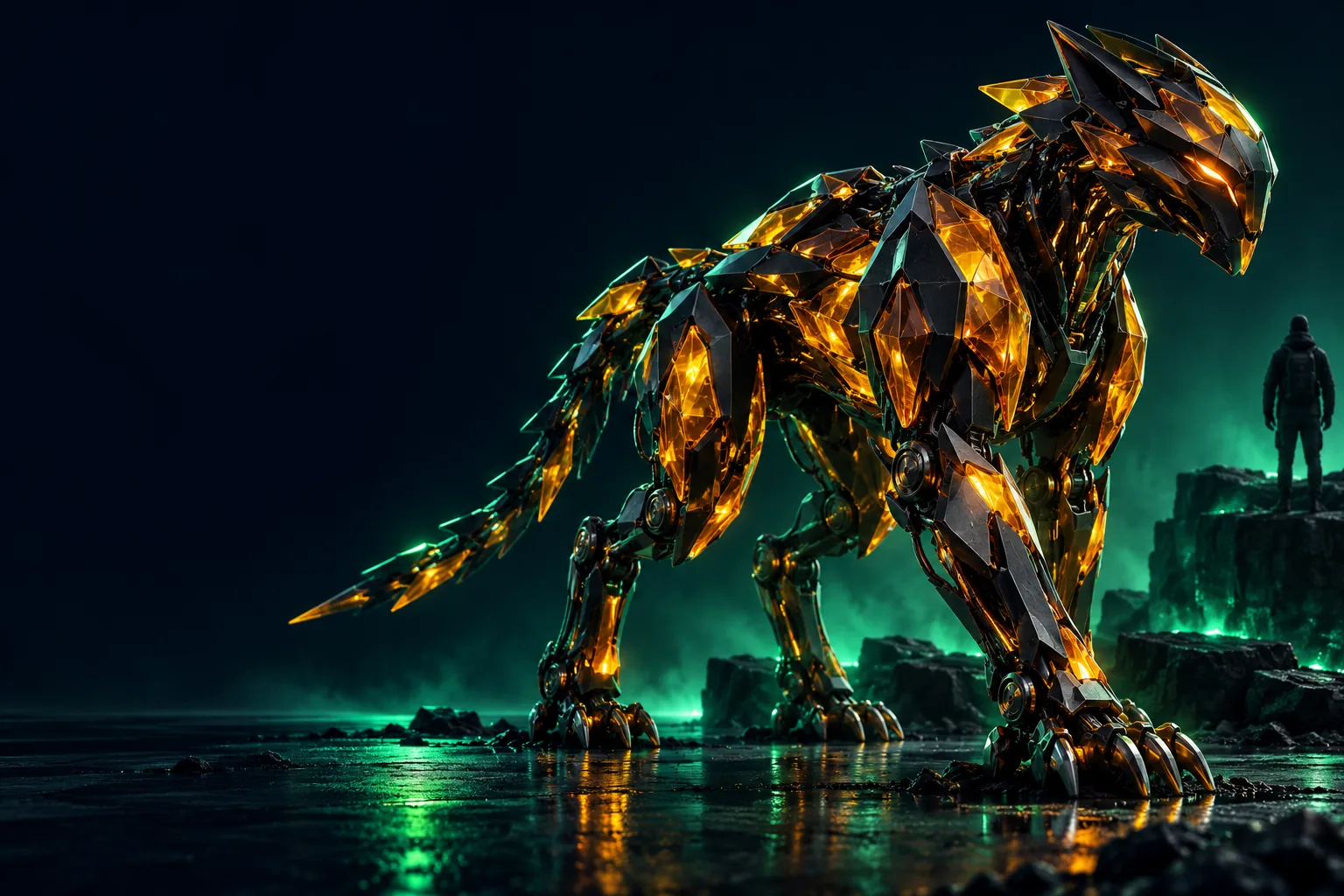
Use these nearby routes when your goal is broader than the focused AI workflow.
The focused route is useful because it narrows the decision. It is not a replacement for every 3D workflow or every stage of production.
A generated concept is not the same as deliberate sculpting, retopology, or production-ready mesh refinement.
Workaround
Use the result as a starting reference, then refine it in a dedicated 3D package.
A prompt can communicate shape, style, and subject, but small dimensions, hidden surfaces, and topology may need inspection.
Workaround
State the important proportions clearly and check the output before using it downstream.
The focused AI entry point is aimed at a described object or concept, not a full game level, rig, animation, or finished asset library.
Workaround
Break a larger project into individual assets and assemble the scene separately.
The first result may capture the idea while missing the exact material, silhouette, or mood you had in mind.
Workaround
Iterate with more specific prompts and use the general route when you need broader exploration.
Begin with one clear object and one useful visual constraint. Specific language gives the first pass more direction than a long list of unrelated details.
Describe one central object, character, or structure instead of combining several unrelated concepts in the opening prompt.
Mention the silhouette, material, setting, color, or style that matters most to your intended result.
Treat the first output as a concept pass, then adjust the wording around the feature that needs the most improvement.
The focused workflow can be understood in three concrete stages before you hand the idea into the product.
The distinction is about focus, not a promise that one route is better for every project.
Best starting point
Focused AI entry point
A single object or visual concept
General Magic3d route
A broader exploration of the product
Prompt emphasis
Focused AI entry point
Subject, silhouette, material, and style
General Magic3d route
Open-ended discovery and workflow questions
Primary role
Focused AI entry point
Create a first 3D concept from an idea
General Magic3d route
Choose a broader path for using Magic3d
Iteration style
Focused AI entry point
Tight changes to one described result
General Magic3d route
More flexible exploration across possible uses
What it helps clarify
Focused AI entry point
Whether a visual idea translates into 3D
General Magic3d route
Which route or workflow fits the project
What it does not promise
Focused AI entry point
Production-ready topology or exact dimensions
General Magic3d route
A complete asset pipeline from one prompt
Different visitors need different levels of direction. These examples show where the focused route can be a sensible first step.
You have a creature silhouette and want to test whether it reads as a 3D object.
Start with the form, pose, and material, then use the first result to guide your next sketch.
magic3d examples freeYou need an early prop concept for a cottage, robot, vessel, or other scene object.
Describe the prop in plain language before investing time in detailed modeling.
magic3d onlineYou are learning how wording affects the shape and visual character of a 3D idea.
Change one prompt detail at a time so the relationship between language and form is easier to see.
how to use magic3dYou are deciding whether an AI concept belongs at the beginning of a larger modeling workflow.
Use the focused route for ideation, then evaluate the result before choosing downstream software.
magic3d softwareThe before-and-after view represents the intended handoff: a short visual idea becomes a concrete 3D concept that can be reviewed and refined.
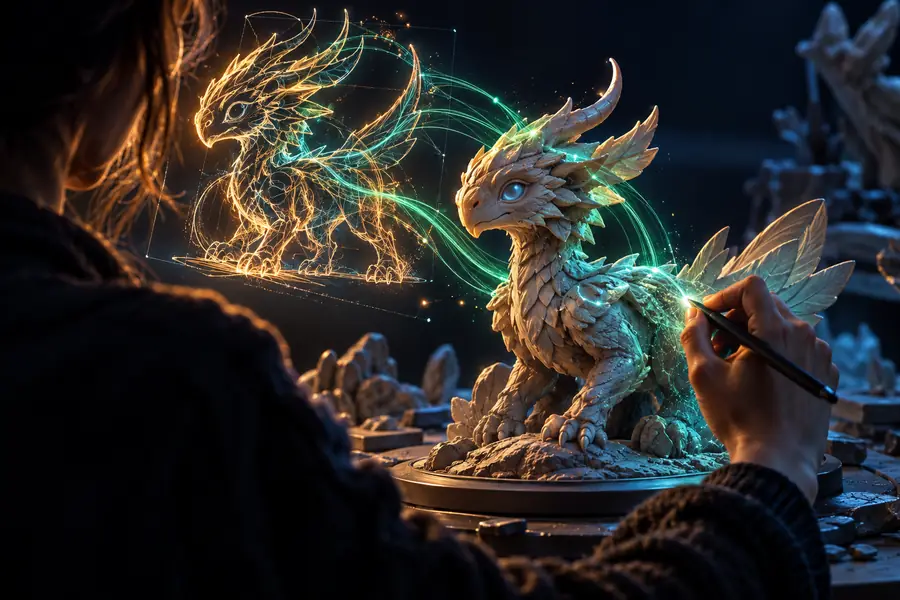 Prompt and intent
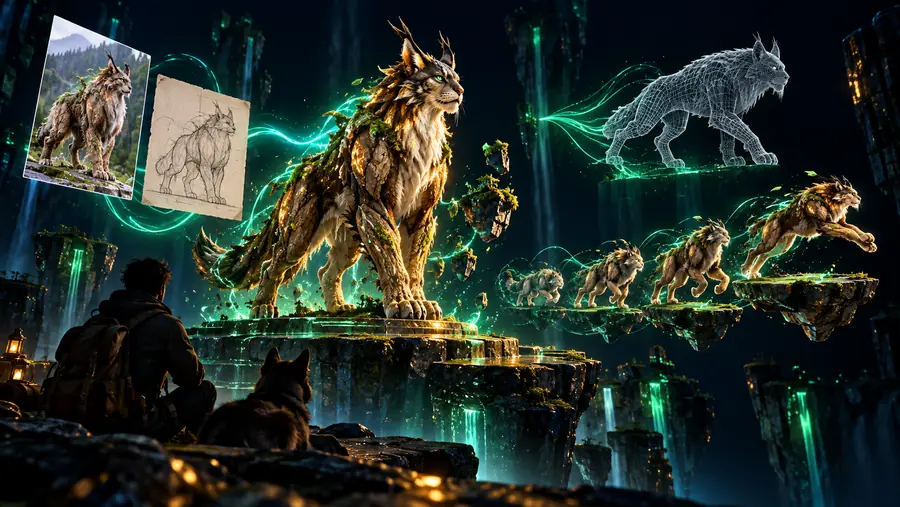 3D concept
Start with the focused AI route when you want to test one 3D idea quickly and clearly. Keep your first prompt concrete, review the result critically, and move into a broader workflow when the project needs exact geometry, scene assembly, or production control.
Generate 3D modelAnswers to the questions people commonly ask when they search for the focused AI route.
It is a focused entry point for exploring how an AI-assisted workflow can turn a written 3D idea into a concept. It is best treated as an ideation and first-pass tool, not as a complete production pipeline.
Begin with one subject and describe the features that must be visible, such as its silhouette, material, color, or setting. Review the first result, then revise one important detail at a time.
Not automatically. A generated concept may need inspection, cleanup, topology work, material adjustments, or other production steps before it belongs in a finished project.
Yes. The focused route is organized around turning a specific visual idea into a 3D concept, while the general route is better suited to broader product exploration and workflow decisions.